Rover UC Quick Tutorial File Transfer
Temmuz 01, 2022

For a better analysis of your scans with the OKM Rover UC you can transfer the scanfiles from the smartwatch to the included windows notebook. On there you have OKM`s Software Visualizer 3D Studio, which can give better information about your scans.
In this tutorial we want to show you how to:
- start the file transfer
- import the files into Visualizer 3D Studio
- select your scanfiles
- finish the import
Mart 22, 2025
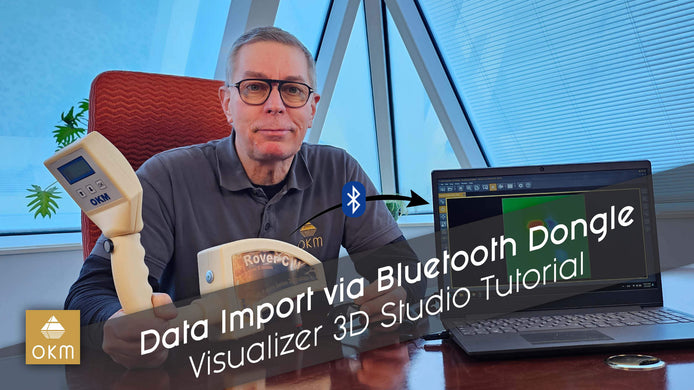
Transfering Scan Data via Bluetooth Dongle | V3DS Tutorial
Learn how to easily transfer scan data from your Rover C2 to your PC with our step-by-step video guide, featuring ...
Şubat 21, 2025
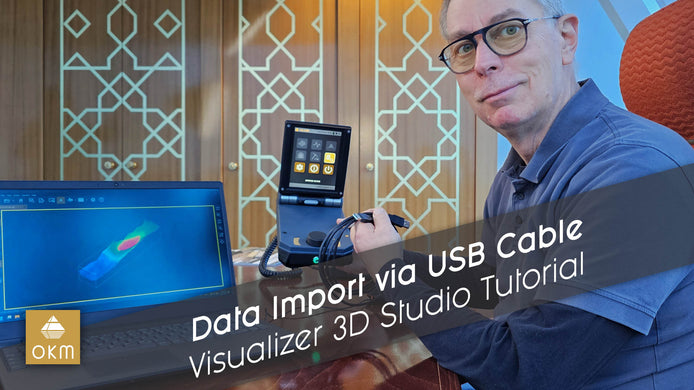
USB Kablosu ile Tarama Verilerini Aktarın | V3DS Eğitimi
OKM 3D Yer Tarayıcınızdan bilgisayarınıza veri aktarmayı OKM uzmanı Frank’in adım adım anlattığı bu öğretici video ile kolayca öğrenin. Hemen ...
Ağustos 02, 2022
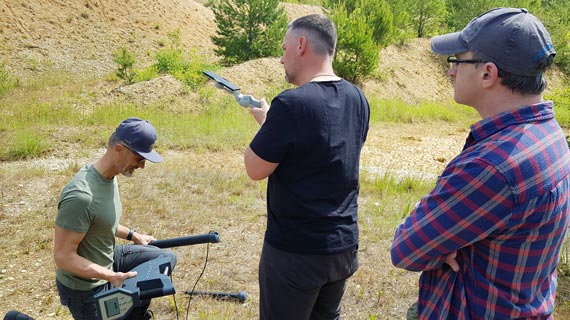
Perde Arkası: OKM Öğreticilerinin Yapımı
Mevcut Rover C4 eğitimlerinin video çekimi eski bir çakıl ocağında gerçekleştirildi: 3D Zemin Tarayıcıyı gerçek koşullarda ve farklı toprak türlerinde ...