Importing Data via Bluetooth | V3DS Tutorial

Seamless Data Import Tutorial
In this easy-to-follow Visualizer 3D Studio tutorial, Frank shows you how to quickly import scan data from the Rover C4 to a Windows PC using Bluetooth.
Whether you’re a beginner or someone with more experience, this guide is perfect for anyone looking to simplify their scanning process and make things run a little smoother. Frank explains everything in a straightforward, no-nonsense way, so you’ll be able to streamline your workflow and boost productivity in no time!
How to Import Data
- Bluetooth Setup & Pairing: Frank walks you through pairing the Rover C4 with your Windows 10 or 11 system, explaining key differences in settings.
- Device Discovery & Connection: Learn how to enable Bluetooth device discovery and connect the Rover C4 in Windows settings. Frank also offers troubleshooting tips for Windows 11 if you can’t see the option.
- Importing Scan Data: Once connected, Frank demonstrates how to import data into Visualizer 3D, including selecting the correct scan and configuring important details like field length and soil type.
- Transferring and Saving Data: Finally, Frank shows how to transfer the scan to your PC and decide whether to save the data on the Rover C4.
Frank’s tutorial makes everything super easy to follow, no matter your experience level. Whether you're a beginner or more advanced, you’ll quickly feel confident. By watching, you’ll learn how to import scan data fast, cut down on manual steps, and streamline your workflow. Save time and improve efficiency—don’t miss out, watch now and master Bluetooth data import with Visualizer 3D Studio and your OKM Detector!

Tercihler | V3DS Eğitimi
Bu videoda, dedektör uzmanımız Frank Casser sizi Visualizer 3D Studio tercihler menüsünün derinlemesine bir incelemesine götürüyor.
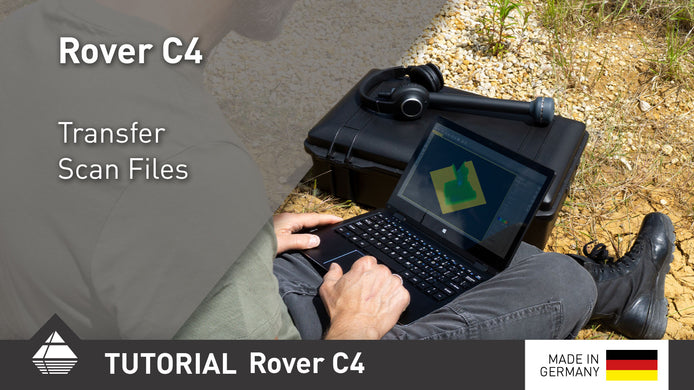
Rover C4 Quick Tutorial Transfer Scan Files
After performing your scans, transfer them to the Windows notebook via Bluetooth for further analysis.

Quick Scan Check: What's the difference between Measuring Value and Scan Value?
In this Quick Scan Check you learn the difference between Measuring Value and Scan Value in OKM’s Visualizer 3D Studio, ...